Create videos from photos or blend different images together.
As evidenced by the collaboration with YouTube, we are now in the era of mobile first, where creating and viewing is completed on a smartphone. We talked with Adobe about a variety of mobile-related topics.

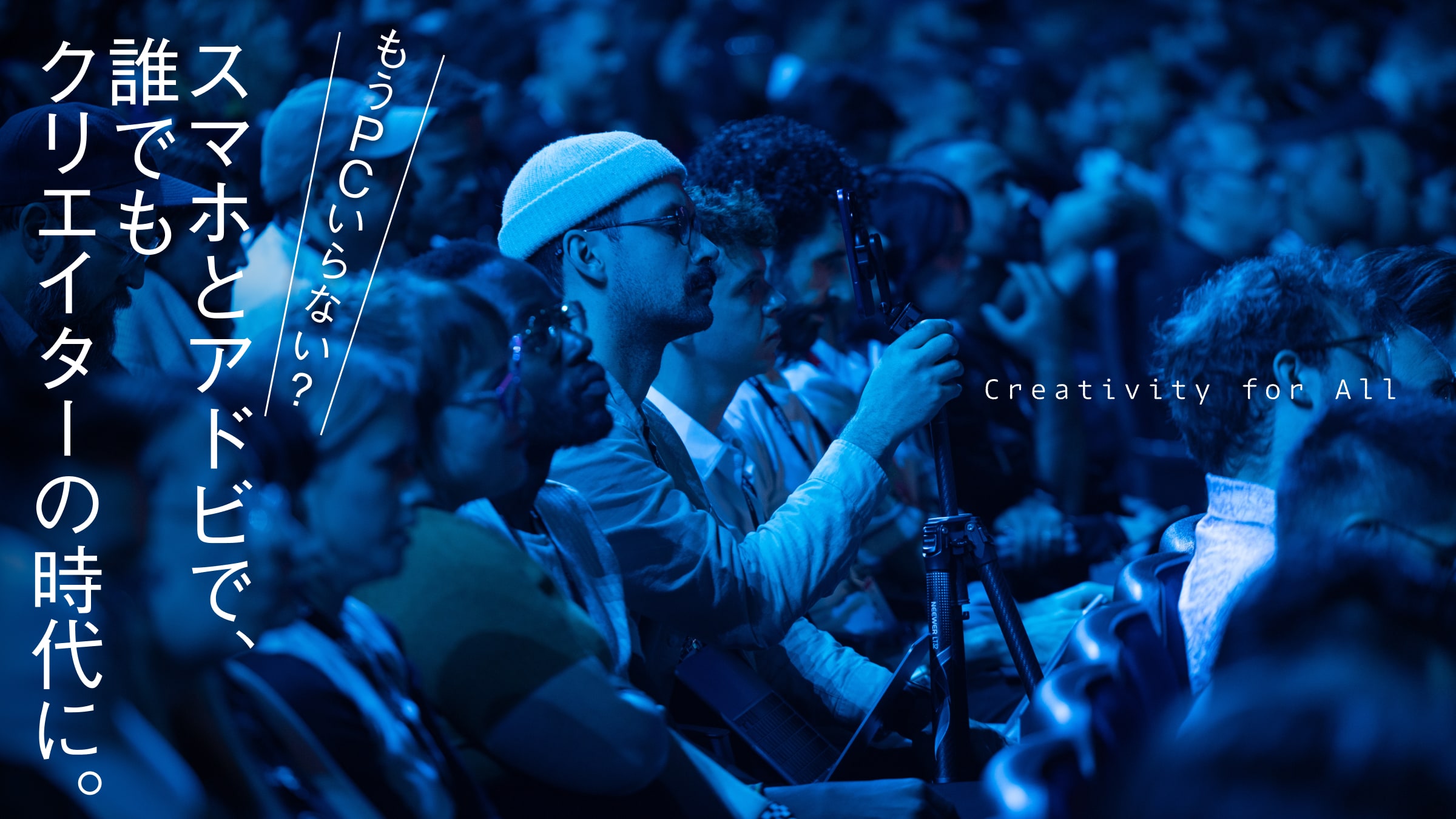
Nearly 100 creators gathered at the venue to review the contents of "Adobe MAX 2025" and participate in a Q&A session. At the end of the event, a mingle was held, as is typical of Adobe, which values the creator community. From this point on, we took all the photos using only our smartphones.
Surprised by the scale of the event, designer Tamaken showed us a photo (right) from his participation in "Adobe MAX 2025. Recently, he has been using the mobile version more and more in his private life. His favorites are Lightroom and Express, which he uses to apply filters to photos, create simple animations, and upload photos to social networking sites. Both are easy to use and free, so they are a great first step.
Naoki Kitazawa, an active illustrator, showed us how he uses the Fresco mobile version, which was also impressive. When something strikes him, he draws a picture on his phone and then transfers it to the PC version for correction. His favorite features of Fresco are the abundance of textures, the ability to reproduce fine touches, and the excellent linkage with other applications.
Adobe has evangelists who know the software inside and out and are there to share the goodness of the software with others. Four of them came to Japan for this event. The first speaker, Paul Trani, is a creator who works as a designer.
Paul Trani, a designer and innovator at Adobe.
The app that Paul uses most frequently now is the mobile version of Firefly.
It's faster than the PC version, and I don't have to wait long. I can be on the move, in a café, and get creative as soon as the idea strikes me.
He adds, "For young people, working on mobile is becoming the norm. At the same time, it is becoming part of the portfolio for professional designers, and more and more people are using their phones as part of their workflow," he continues. The mobile version is not just a simplified version; it is now an important tool for professionals as well.
Jason Levine, a musician and filmmaker from Arizona, USA, is another popular evangelist.
It is a common story that when a new tool is added to the knowledge and skills you have accumulated up to now, you can see a different world. That is why I would be happy if professionals and amateurs alike could download Premiere and try it out on the couch," said Jason, who also took the stage. Jason, who also took the stage, said he often uses the Premiere mobile version.
At first I thought I would have trouble with the small screen, but it is designed for mobile use, so it is very easy to use. It's also very fast and performs well, so it's very easy to work with. In addition, the mobile version of Premiere is free to use and includes built-in Firefly technology. The ability to use the generated AI in conjunction with it is also a big plus.
We also talked about a new technology from Adobe that we've been paying attention to, and that is a feature in the mobile version of Premiere. It is a feature in the mobile version of Premiere that allows you to create a movie with just a single photo.
Using Adobe's Firefly generation AI, you can create a video with very simple prompts. You can move a stationary wave, or move a cloud. For example, something like this.
This video was generated with a simple prompt, "This is a beach. Move the clouds and waves" was generated with a simple prompt. The music is from the soundtrack "Beach Florida 02".
This is the original photo.
In terms of functions, the most exciting moment for the audience at the Tokyo event this time was when the "harmony" function was demonstrated.
I recently added a new feature to the mobile version of Photoshop called 'Harmony.' We think this is a revolutionary new feature since the release of the Layers feature. You can literally 'harmonize' two images that were shot in different environments and under different lighting conditions," says Paul. He says the feature is also very useful for embedding images in videos.
Now, let's put it into practice. For example, if you feel that the beach photo you have taken is a bit lonely, you can do this with the touch of a button. It creates a sense of unity as if the photos were taken at the same place.
The image used as the material is a photo taken on the beach (left) as a background and generated by Firefly with a direct prompt of "ship" (right).
When harmonized in Photoshop, the colors and textures will be well matched, and shadows will be included to create a very realistic image. It could be used for collage works, of course, but it could also be used to include the photographer in a group photo.
All of these tasks are becoming increasingly simplified with the development of AI, and even amateurs with no special skills can use them without difficulty. Most of them can be done with a smartphone, which is amazing.
In fact, Jason also creates music videos for children. One of his works is a song called "Fart Monster (Japanese name)," for which he created the captions and animation using Firefly and Premiere mobile versions.
You can create such works of art with just one smartphone. In this day and age, some people may only have a smartphone. For those people, I would like to encourage them to try using the mobile version of the application as an introduction to creativity.
If I were a student with only a smartphone, I would first use the mobile version of Photoshop and create more and more. I would copy what I love and repeat trial and error. This will naturally lead to a better understanding of how to use it and make the creation process more enjoyable.
Jason agrees. It is important to try things out and not be afraid to use them.
My kids do amazing things with the mobile version of the app. They are not afraid of new tools or making mistakes. I think that's the most important thing.